
Monday to Saturday - 9:00 am -18:00 pm

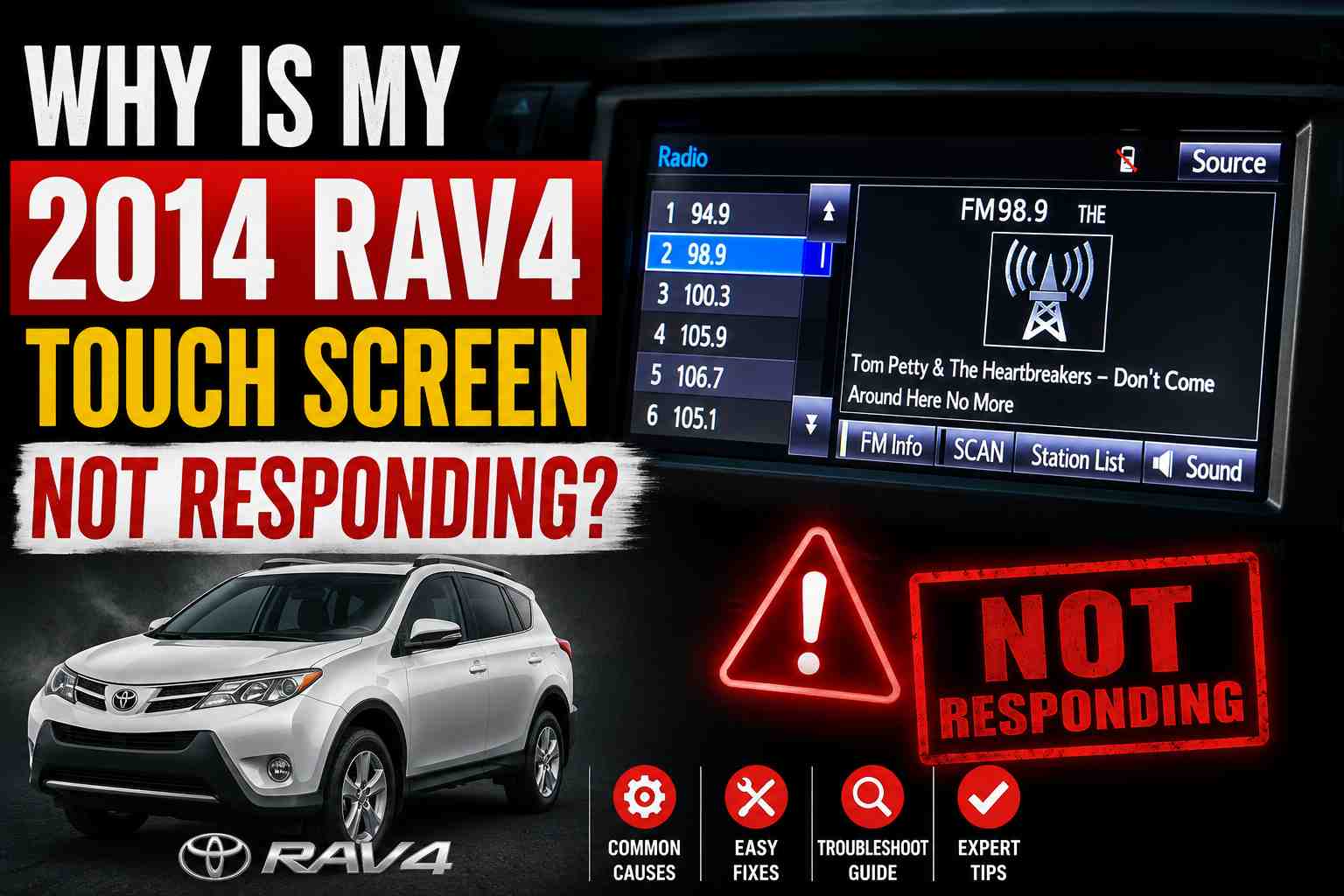
Your 2014 RAV4 touch screen stopped working. You tap it. Nothing happens. Or maybe only part of the screen responds. This is frustrating, especially when you can’t pair your phone or change the radio station.
Don’t worry. This is a common problem on 2014-2016 Toyota RAV4 models. I’ve seen dozens of these come through the shop. Most of the time, you can fix it yourself without spending a fortune at the dealer.
In this guide, I’ll explain why your touch screen fails and show you exactly how to fix it. You’ll learn simple resets, the credit card trick that actually works, and when you need to replace parts.
Why Does the 2014 RAV4 Touch Screen Stop Working?
The 2014 RAV4 uses a resistive touch screen. This is different from your smartphone. Your phone uses a capacitive screen. The RAV4 screen needs actual pressure to register a touch.
Here’s the problem: Toyota’s factory digitizer has a weak design. The digitizer is a thin layer that sits on top of the display. It detects where you press. Over time, this layer fails.
The most common symptoms include:
- Bottom row of buttons won’t respond
- Screen only works if you press an inch above or below the button
- Random areas stop working
- Entire screen goes unresponsive
- Screen freezes on the Toyota logo
This isn’t a software bug. It’s a hardware failure. The digitizer degrades, especially around the edges.
The good news? You don’t need to replace the whole radio unit. You just need to replace the digitizer. That’s much cheaper.
Quick Fixes to Try First
Before you spend any money, try these simple fixes. Sometimes the problem is minor.
Check If the Screen Is Off
Press and hold the power button on your radio for 10 seconds. The screen might just be in “screen off” mode. The steering wheel buttons may still control the radio even when the touch screen looks frozen.
Clean the Screen
Dirt and residue can cause touch problems. Use a microfiber cloth. Don’t spray cleaners directly on the screen. Spray the cloth first, then wipe gently.
Check for Temperature Issues
Extreme cold or heat affects touch screens. If it’s very cold outside, let your car warm up. The screen may start working once the cabin heats up.
Disconnect Your Phone
Sometimes a Bluetooth connection causes glitches. Forget your phone from the system using the steering wheel controls. Then try the touch screen again.
How to Reset Your RAV4 Touch Screen
A reset clears temporary software glitches. It won’t fix a bad digitizer, but it’s worth trying first.
Soft Reset (Try This First)
- Turn your car on
- Press and hold the power/volume knob for 10-15 seconds
- The screen should restart
- Test the touch function
If that doesn’t work, try a hard reset.
Hard Reset (Fuse Method)
This is like rebooting a computer by unplugging it. Here’s how:
- Turn off the engine
- Remove the key from the ignition (or move it away from the car if you have push-button start)
- Open your fuse box under the dash on the driver’s side
- Find the “RADIO” fuse (20A) in the engine compartment fuse box
- Pull out the fuse
- Wait 15 minutes
- Put the fuse back in
- Start your car and test the screen
Where is the radio fuse?
On the 2014 RAV4, look in the engine compartment fuse box. The “RADIO” fuse is a 20A fuse. Check your owner’s manual for the exact location in your fuse box layout.
There’s also a “D/C CUT” fuse inside the cabin that powers the radio memory. Pulling this fuse for 15 minutes also resets the system.
The Credit Card Trick (Temporary Fix)
This sounds strange, but it works. Many RAV4 owners discovered this by accident.
Here’s why it works:
The 2014 RAV4 screen is a resistive touch screen. It uses an electromagnetic signal to detect your finger. The magnetic strip on a credit card can boost this signal.
How to do it:
- Take a credit card or any card with a magnetic strip
- Hold the magnetic strip against the screen
- Press the button you want to activate
- Slide the card slightly until the button responds
This won’t fix the problem permanently. But it lets you pair a new phone or change settings when the bottom buttons won’t work.
A refrigerator magnet works too. Some people use a pencil eraser with firm pressure.
This trick is helpful when:
- You need to add or delete a Bluetooth device
- The “add” or “remove” button is at the bottom of the screen
- You’re stuck and need a quick workaround
How to Replace the Digitizer Yourself
If resets don’t work, the digitizer has failed. You can replace it yourself. It takes about 1-2 hours if you’re handy with tools.
What You Need
- Replacement digitizer (about $40-$80 online)
- Plastic trim removal tools
- Small Phillips screwdriver
- Patience
Important: The 2014 RAV4 has either a 6.1-inch or 7-inch screen depending on your trim level. Measure your screen first. Buy the correct size.
Step-by-Step Overview
- Disconnect the car battery (negative terminal first)
- Remove the plastic trim around the radio
- Unscrew the radio unit and slide it out
- Disconnect the wiring harnesses behind it
- Take the unit to a workbench
- Open the radio casing carefully
- Remove the old digitizer
- Install the new digitizer
- Reassemble everything in reverse order
Pro tip: Watch a YouTube video for your specific radio model before starting. The radio models vary slightly. Seeing it done once makes the job much easier.
Where to Buy a Digitizer
You can find replacement digitizers on Amazon and eBay. Search for “2014 RAV4 touch screen digitizer.” Prices range from $40 to $150 depending on quality.
Look for sellers that include a warranty. Good digitizers come with a 12-month warranty.
Match the part number on your radio. Common part numbers for the 2014 RAV4 include:
- 86100-0R060
- 86100-0R070
- 86140-42200
- 86140-0R100
Check the sticker on your radio unit before ordering.
How Much Does It Cost to Fix?
Here’s what you can expect to pay:
| Fix Type | Cost |
|---|---|
| DIY digitizer replacement | $40 – $150 |
| Professional digitizer repair (mail-in) | $150 – $300 |
| Local shop repair | $200 – $400 |
| Dealer radio replacement | $2,000 – $4,000+ |
Don’t let the dealer replace your whole radio. They’ll quote $2,500 or more. The only broken part is the digitizer. That’s a $50 piece.
If you’re not comfortable doing it yourself, search for “Toyota radio repair” services online. You mail them your unit. They fix it and mail it back. Total cost is usually under $300.
Common Mistakes Drivers Make
Mistake 1: Replacing the Whole Radio
The dealer will tell you the radio unit failed. They’ll want to replace the entire thing for $2,500+. This is almost never necessary. The display and electronics work fine. Only the touch layer fails.
Mistake 2: Buying the Wrong Size Digitizer
The 2014 RAV4 comes with either a 6.1-inch or 7-inch screen. Measure your screen diagonally before ordering. The wrong size won’t fit.
Mistake 3: Forgetting to Disconnect the Battery
Always disconnect the battery before removing your radio. Working on live electronics risks damaging modules. It also prevents airbag warnings.
Mistake 4: Using Too Much Force
The plastic trim around the radio pops off with plastic tools. Don’t use metal screwdrivers. You’ll scratch the dash or break the clips.
Mistake 5: Skipping the Fuse Reset
A simple fuse reset fixes some touch screen problems. Try this before spending money on parts. It takes 15 minutes and costs nothing.
FAQ
Why does only part of my 2014 RAV4 touch screen work?
This happens when the digitizer starts to fail. The edges and bottom usually fail first. It’s a hardware problem with the touch layer, not software.
Can I use my steering wheel buttons if the touch screen dies?
Yes. The steering wheel controls still work. You can change stations, adjust volume, and answer calls. But you can’t access menus or pair new devices without the touch screen.
Will Toyota fix my touch screen for free?
Probably not. Most 2014 RAV4s are out of warranty. Some owners have had luck calling Toyota customer service at 800-331-4331 to request a “goodwill” repair. It’s worth asking if many people report the same issue.
Is this a recall issue?
No. Toyota has not issued a recall for the touch screen problem. However, it’s a widespread issue on 2014-2016 models.
Can I install an aftermarket radio instead?
Yes. Aftermarket head units fit the 2014 RAV4. Brands like Pioneer, Kenwood, and Sony make compatible units. Expect to pay $200-$500 plus installation. You’ll need a dash kit and wiring harness adapter.
Does the screen problem affect my car’s safety?
No. The touch screen doesn’t control any safety systems. Your brakes, airbags, and engine work normally. But you may lose hands-free calling, which is legally required while driving in many states.
How long does the digitizer replacement take?
A shop takes 1-2 hours. DIY takes 2-3 hours for first-timers. The hardest part is removing the radio unit without breaking trim clips.
My screen is stuck on the Toyota logo. What should I do?
Try the fuse reset. Pull the RADIO fuse for 15 minutes. If that doesn’t work, the head unit may have a deeper software issue. You might need professional diagnosis.
Final Thoughts
A dead touch screen on your 2014 RAV4 is annoying. But it’s fixable. Don’t let a dealer charge you thousands for a new radio.
Here’s what to do:
- Try a fuse reset first
- Use the credit card trick as a temporary workaround
- Replace the digitizer yourself for under $100
- Or use a mail-in repair service for around $200
The digitizer is the problem, not the whole radio. Save your money. Fix the part that’s actually broken.
If you’ve tried everything and the screen still doesn’t work, consider an aftermarket head unit. You’ll get better features like Apple CarPlay and Android Auto for less than Toyota charges for a replacement.
Got questions? Leave a comment below. I’ve helped hundreds of RAV4 owners fix this exact problem.