
Monday to Saturday - 9:00 am -18:00 pm

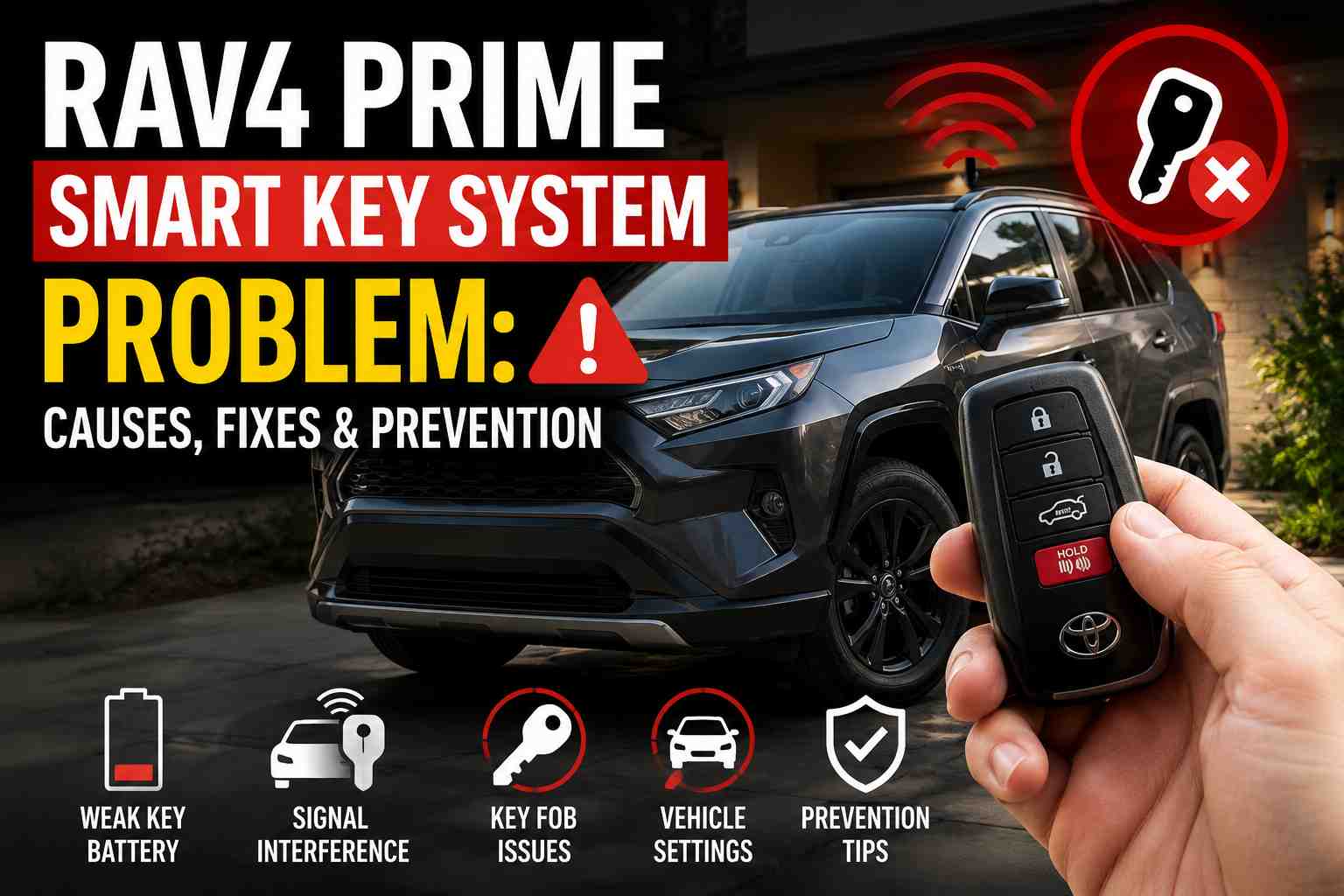
You walk up to your RAV4 Prime. You press the unlock button. Nothing happens.
The dashboard shows a scary message: “Smart Key System Malfunction.”
Your car won’t start. The doors won’t unlock. You’re stuck.
Take a deep breath. This is a common problem. And in most cases, you can fix it yourself.
I’ve seen this issue dozens of times in the shop. The good news? It’s usually a simple fix. This guide will show you exactly what to do.
What Does “Smart Key System Malfunction” Mean?
Your RAV4 Prime uses a smart key system. This means you don’t need to insert a key to start the car.
The car and key fob talk to each other using radio signals. When this communication fails, you get the malfunction warning.
The message can appear because:
- Your car’s 12V battery is weak or dead
- Your key fob battery is dying
- There’s a software glitch
- A fuse has blown
- The antenna or receiver has a problem
Most of the time, it’s a battery issue. Either the car battery or the key fob battery.
Main Causes of the Problem
Let me break down the most common reasons RAV4 Prime owners see this error.
Dead or Weak 12V Battery
This is the number one cause. Your RAV4 Prime has two batteries:
- A large hybrid battery (for driving)
- A small 12V battery (for electronics)
The 12V battery powers the smart key system. If it’s weak, the system stops working.
Many 2020-2022 RAV4 Prime owners report their 12V battery dying after just 2-3 days of sitting.
Key Fob Battery Is Low
The RAV4 Prime key fob uses a CR2450 battery. It typically lasts 1-2 years.
When the battery gets weak, you’ll notice:
- Shorter range for locking/unlocking
- Need to stand closer to the car
- The car doesn’t detect the key
DCM Software Bug
Toyota identified a bug in the Data Communication Module (DCM). This module handles communication between your car and Toyota’s servers.
The bug causes the DCM to “call home” too often. This drains the 12V battery while the car sits.
Toyota released a fix: Technical Service Bulletin (TSB) T-SB-0089-21.
ECU-ACC Fuse Issue
A blown fuse can disable the smart key system. The ECU-ACC fuse powers the electronics that control your key.
It’s a 7.5 Amp fuse in the fuse box under the steering wheel.
Signal Interference
Sometimes other electronics can block the key signal. This includes:
- Other key fobs in your pocket
- Cell phones
- Metal objects near the fob
How to Fix It Right Now
You’re standing next to your RAV4 Prime. It won’t start. Here’s what to do.
Step 1: Try the Emergency Key
Your key fob has a hidden metal key inside. Use it to get in the car.
How to find it:
- Look at your key fob
- Find the small release button or latch
- Slide or press it
- Pull out the metal key
Now insert this key into the driver’s door lock. Turn it to unlock.
Note: The alarm might go off when you open the door. Don’t panic.
Step 2: Start the Car with a Dead Key Fob
Put your foot on the brake. Take the key fob and touch it to the start button.
Press the start button while holding the fob against it.
The start button can read the chip inside your fob—even if the fob battery is dead.
This is called the backup start method.
Step 3: Jump Start the 12V Battery
If the car still won’t start, the 12V battery is likely dead.
You’ll need jumper cables or a portable jump starter.
The 12V battery in the RAV4 Prime is in the rear, near the spare tire. But there’s an easier way.
Find the jump start terminal:
- Open the hood
- Look on the driver’s side
- Find the fuse box area
- There’s a positive terminal cover—lift it
- Connect the positive jumper cable here
- Connect the negative cable to a metal ground point
Once connected, wait 2-3 minutes. Then try to start the car normally.
Step 4: Let the Car Run
After a jump start, let the car run for at least 20-30 minutes. This helps recharge the 12V battery.
Better yet, drive the car for 30 minutes or more.
The 12V Battery Issue Explained
The RAV4 Prime has a known issue with 12V battery drain. Let me explain why it happens.
Why Does the Battery Die So Fast?
Even when your car is “off,” it’s not really off.
Your RAV4 Prime constantly:
- Communicates with Toyota’s servers (through the DCM)
- Monitors for your key fob signal
- Keeps security systems active
- Maintains connection with the Toyota app
All of this uses the 12V battery.
If you don’t drive regularly, the battery can drain in just a few days.
Signs Your 12V Battery Is Weak
Watch for these warning signs:
- Slow response when unlocking doors
- Dashboard flickering when starting
- “Smart Key System Malfunction” after the car sits
- Electronics acting strange
Testing Your 12V Battery
Use a multimeter to check battery voltage:
- 12.6V or higher = Fully charged
- 12.4V = About 75% charged
- 12.2V = About 50% charged
- Below 12.0V = Nearly dead
Test after the car has sat for at least 2 hours. Testing right after driving gives false readings.
When to Replace the 12V Battery
Most 12V batteries last 3-4 years. But with the drain issues, some RAV4 Prime batteries fail sooner.
Replace your battery if:
- It’s more than 3 years old
- It won’t hold a charge
- You’ve jump started more than twice
- Load testing shows it’s weak
Key Fob Battery Replacement
Replacing the RAV4 Prime key fob battery takes about 2 minutes.
What Battery Do You Need?
The RAV4 Prime uses a CR2450 battery. This is different from the standard RAV4, which uses CR2032.
Important: Make sure you buy the right battery. CR2450 is slightly larger than CR2032.
How to Replace It
- Remove the emergency key – Press the release button and slide out the metal key
- Open the fob – Use a flat tool (like a small screwdriver) to pry the two halves apart. Start at the end where the key was.
- Remove the old battery – Pop it out carefully
- Insert the new battery – Positive side up (you’ll see the + symbol)
- Snap the fob back together
- Test it – Try locking and unlocking your car
No reprogramming needed. The key fob works immediately.
Tips for Longer Battery Life
- Don’t store the fob near the car at home
- Use “power saving mode” on the fob
- Keep a spare battery in your glove box
- Buy quality batteries (Panasonic, Energizer, Maxell)
The DCM Firmware Problem
Toyota discovered that the Data Communication Module was draining batteries. They released a fix.
What Is the DCM?
The DCM handles:
- Toyota app functions
- Remote start
- Safety Connect services
- Over-the-air updates
When it has the old software, it stays awake too long. This drains your 12V battery.
How to Know If You Need the Update
Your RAV4 Prime might need the DCM update if:
- Built before September 2020
- The battery keeps dying
- The Toyota app has connection issues
- Remote start doesn’t work reliably
Getting the Update
The DCM update is covered under Toyota’s Technical Service Bulletin T-SB-0089-21.
How to get it done:
- Call your Toyota dealer
- Tell them you need the “DCM Reset and Firmware Update”
- Mention TSB T-SB-0089-21
- If under warranty (36 months/36,000 miles), it should be free
The update takes about 30-60 minutes.
Note: Some owners report the update helped immediately. Others say it reduced the problem but didn’t eliminate it completely.
How to Prevent This Problem
You can take steps to avoid the smart key malfunction in the future.
Drive Regularly
If possible, drive your RAV4 Prime at least once a week. A 20-30 minute drive helps keep the 12V battery charged.
Use a Battery Maintainer
If you don’t drive often, buy a smart battery charger.
Recommended brands:
- CTEK
- NOCO
- Battery Tender
These trickle chargers keep your 12V battery at full charge without overcharging.
Important: The RAV4 Prime may have an AGM battery or a standard flooded battery. Check your battery type. AGM batteries need chargers with an “AGM mode.”
Keep Jumper Cables Handy
Store jumper cables or a portable jump starter in your car.
Tip: The rear hatch uses power to open. If the battery is dead, you can’t open it. Keep your jump starter under the driver’s seat instead.
Monitor Battery Health
Check your 12V battery voltage monthly. Use the car’s built-in display or a multimeter.
On the RAV4 Prime, you can see battery voltage in the Service Menu:
- Turn on the car
- Press and hold the “Info” button
- Navigate to find battery voltage
Voltage below 12.2V after sitting overnight means trouble is coming.
Get the DCM Update
If you haven’t already, get the firmware update done. It’s the best way to reduce battery drain from Toyota’s software.
Common Mistakes to Avoid
I’ve seen RAV4 Prime owners make these errors. Don’t repeat them.
Ignoring Early Warning Signs
The problem usually starts small. The key works, but range is shorter. The car takes an extra moment to recognize the fob.
These are warning signs. Address them before you get stranded.
Replacing Only the Key Fob Battery
When you see “Smart Key System Malfunction,” you might think it’s the fob battery.
Sometimes it is. But often, the 12V battery is the real problem.
Check both batteries before assuming you’ve found the issue.
Not Getting the TSB Update
Some dealers don’t mention the DCM update. They just replace the battery and send you home.
The battery will likely die again if you don’t fix the software.
Ask specifically for TSB T-SB-0089-21.
Storing Keys Near the Car
If you park in an attached garage, don’t hang your keys near the door to the house.
The car constantly searches for the key fob signal. When keys are close but not in the car, this uses extra battery power.
Using Cheap Replacement Batteries
Low-quality key fob batteries can fail in months. Stick with trusted brands.
The same goes for 12V batteries. A cheap replacement might work for a year, then fail.
FAQ
Why does my RAV4 Prime say “Key Not Detected” while I’m driving?
This usually happens when:
- The key fob battery is low
- The key is in a location the car can’t detect (like your back pocket)
- There’s temporary signal interference
Try moving the key closer to the steering column. If it keeps happening, replace the fob battery.
Can I still drive if the smart key malfunction message appears while driving?
Yes. The car won’t shut off while you’re driving. But don’t turn off the engine until you’re ready to deal with the issue. You might not be able to restart.
My dealer says there’s nothing wrong. What do I do?
This is frustrating. The battery often tests fine after the dealer charges it.
Ask them to:
- Perform a parasitic draw test
- Check for the DCM firmware update
- Replace the battery if it’s more than 2 years old
Document everything. If problems continue, contact Toyota customer service directly.
How much does it cost to fix?
- Key fob battery: $3-5 (DIY)
- 12V battery replacement: $200-400 at dealer, less at independent shops
- DCM firmware update: Free under warranty, $100-200 if not covered
Both key fobs stopped working at the same time. What’s wrong?
When both fobs fail together, the problem is almost always the car—not the fobs.
Check the 12V battery first. It’s the most likely cause.
Can I use the Toyota app to start my car if the fob is dead?
The Toyota app can remotely start the RAV4 Prime. But you still need the fob to drive.
Once you open the door without the fob, the car will shut off.
How do I put my key fob in power saving mode?
Hold the lock button and press the unlock button twice. The light on the fob will flash. This disables the wireless function to save battery.
To turn it back on, press any button on the fob.
Will this problem void my warranty?
No. Battery issues and software problems are covered under Toyota’s warranty.
The basic warranty covers 36 months or 36,000 miles. Battery issues may be covered longer under certain conditions.
Final Thoughts
The RAV4 Prime smart key system problem is annoying, but it’s fixable.
Most cases come down to the 12V battery. It gets drained by the car’s always-on electronics—especially if you don’t drive often.
Here’s your action plan:
- Check your 12V battery voltage regularly
- Get the DCM firmware update if you haven’t already
- Replace the key fob battery every 1-2 years
- Use a battery maintainer if you don’t drive weekly
- Keep a portable jump starter in the car
If you catch the warning signs early, you’ll avoid getting stranded.
And if you do get the “Smart Key System Malfunction” message, now you know exactly what to do.
Stay safe out there.
Have you experienced the RAV4 Prime smart key problem? Share your experience in the comments below.