
Monday to Saturday - 9:00 am -18:00 pm

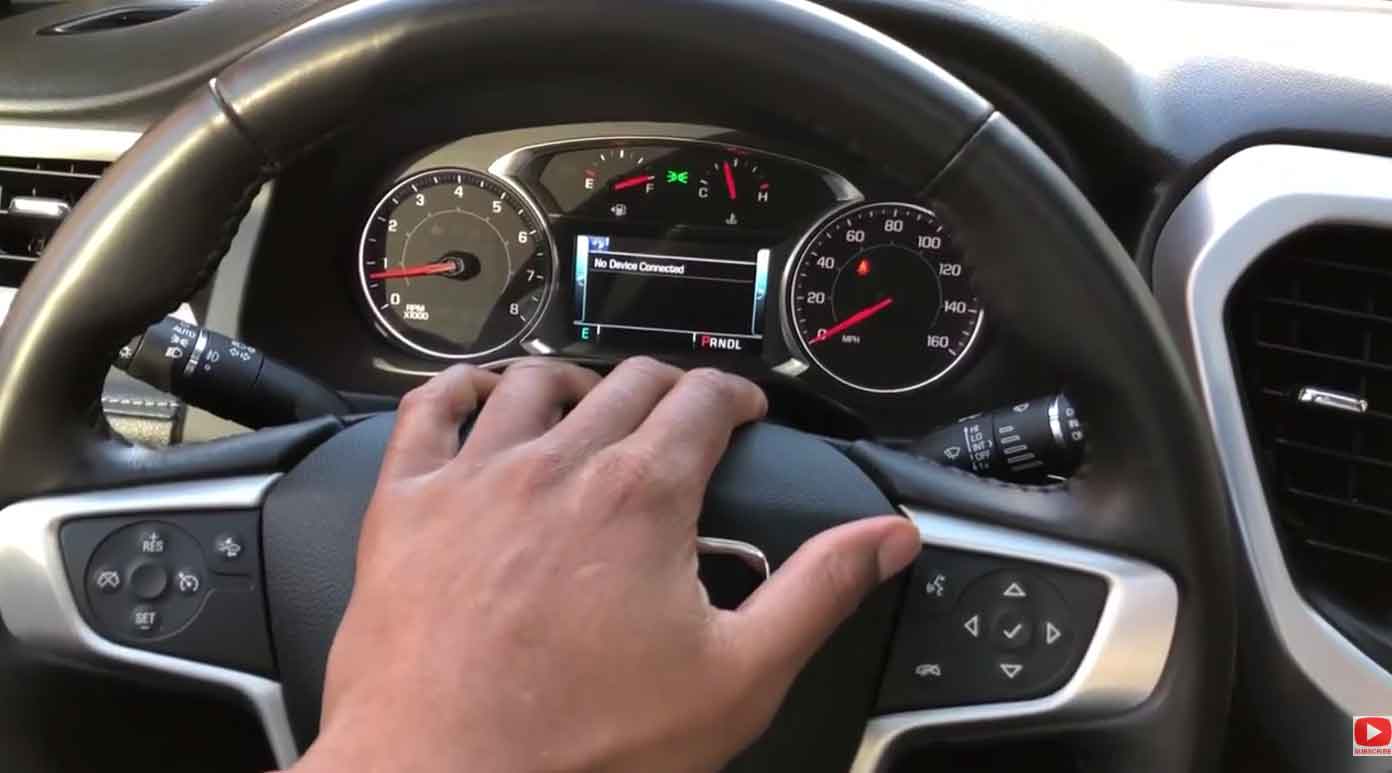
Does your GMC Acadia dashboard light up with a “Service StabiliTrak” warning? This message can be scary if you don’t know what it means.
Your StabiliTrak system keeps your SUV stable when roads get slippery. When something goes wrong, you need to fix it fast.
In my shop, I see this issue almost every week. Most drivers panic when they see the warning light. But don’t worry – I’ll walk you through everything.
This guide covers what StabiliTrak does and why it stops working. You’ll learn how to spot problems early. I’ll also show you simple fixes you can try at home.
By the end, you’ll know when to grab your tools and when to call a pro. Let’s get your Acadia back to running smooth and safe.
Understanding Your GMC Acadia’s StabiliTrak System
Your Acadia uses StabiliTrak to prevent sliding and spinning out. The system watches your wheels constantly while you drive.
Special sensors track how fast each wheel turns. They also check which way you’re steering. If the car starts to slide, StabiliTrak jumps into action.
It can slow down specific wheels to straighten you out. The system also cuts engine power when needed. This happens in milliseconds – faster than you can react.
From years under the hood, I’ve seen how this tech saves lives. Rain, snow, and ice don’t stand a chance against a working StabiliTrak system.
Key Components That Make It Work
| Part Name | What It Does | Why It Matters |
|---|---|---|
| Speed Sensors | Track each wheel’s rotation | Catch slipping wheels instantly |
| Steering Sensor | Reads where you want to go | Matches car movement to your intent |
| Brake System | Stops individual wheels | Prevents skids and spins |
| Power Control | Reduces engine output | Stops wheels from spinning |
These parts work together like a team. When one fails, the whole system shuts down. That’s when you see the warning message.
Why Regular StabiliTrak Care Matters
Ignoring your StabiliTrak system is dangerous. I’ve seen too many accidents that could have been prevented.
A healthy system stops crashes before they happen. It gives you control when roads turn bad. Winter driving becomes much safer with working traction control.
When I service a car like this, I check the system top to bottom. Catching problems early saves you money. It also keeps your family safe on every trip.
Skipping maintenance leads to bigger issues down the road. Parts wear out faster when the system doesn’t work right. Your Acadia won’t handle like it should.
The repair bill grows every day you wait. Small fixes turn into expensive replacements. Trust me – prevention beats repair every single time.
Warning Signs Your StabiliTrak Needs Help
Your Acadia talks to you through warning lights and weird behavior. Learning these signals helps you act fast.
Dashboard Warnings You Can’t Ignore
Watch for these red flags on your instrument panel:
- The StabiliTrak light stays on after starting your engine
- Traction control stops working when roads get wet
- Your SUV feels loose during quick turns or lane changes
- The vehicle slides more than normal when speeding up
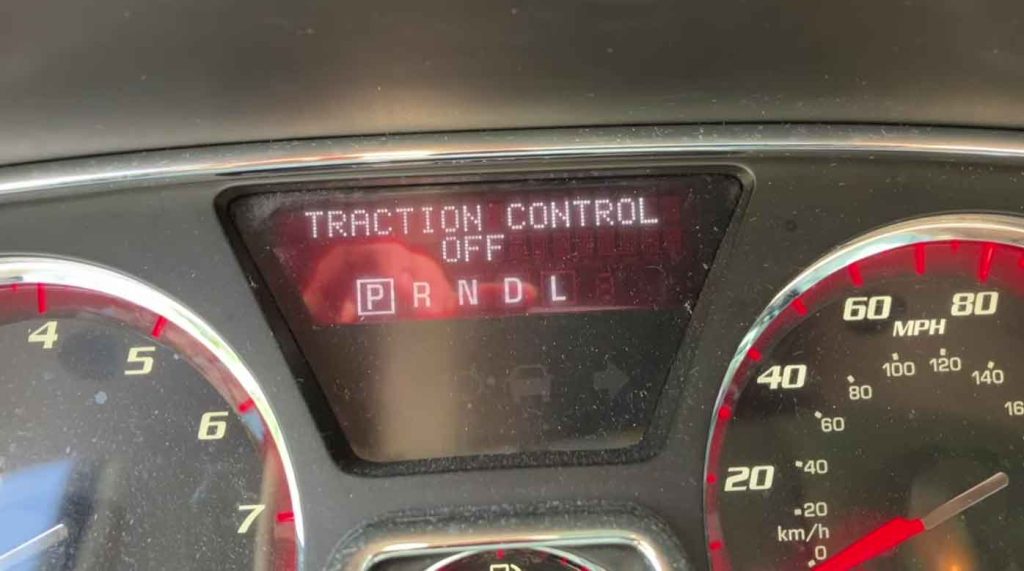
- Traction control randomly turns itself off while driving
Common Problems I See in the Shop
In my shop, certain issues come up again and again. Here’s what breaks most often:
| Problem Type | How It Acts | What Causes It |
|---|---|---|
| Bad Brake Sensors | Light won’t turn off, poor grip | Sensors fail or get corroded |
| Dirty Speed Sensors | System acts weird, warning appears | Road grime blocks the sensors |
| Computer Glitch | Unexpected sliding, no control | Software bugs or module failure |
These problems don’t fix themselves. The longer you wait, the worse they get. Some are cheap fixes, others cost more.
Step-by-Step Service Guide for Your Acadia
When I service a car like this, I follow a proven process. Here’s exactly what I do in my bay.
Check for Error Codes First
Plug in my scan tool right away. I use a professional-grade scanner, not a cheap one from the parts store.
The computer stores codes that tell me what’s broken. These codes are like clues in a mystery. I write down every single one.
Look at the Physical Parts
Next, I get under the vehicle with a flashlight. I check every wire connected to the StabiliTrak system.
Wires crack and corrode over time. Connectors get loose from vibration. Even a small break stops the whole system.
I also inspect the wheel sensors closely. Road salt eats these parts for breakfast. One rusty sensor can trigger the warning light.
Test the Important Components
From years under the hood, I know which parts fail first. The wheel speed sensors top my list. I test each one with a multimeter.
The brake control module needs checking too. This computer box controls the whole system. When it goes bad, nothing works right.
Clear Codes and Road Test
After fixing the problem, I erase the error codes. Then comes the fun part – the test drive.
I take the Acadia through different conditions. Quick stops, sharp turns, and slippery spots. The system needs to work perfectly every time.
If the light comes back on, I start over. Sometimes there’s more than one problem hiding in there.
Easy Maintenance Tips That Actually Work
You don’t need to be a mechanic to keep StabiliTrak healthy. These simple steps go a long way.
Check Your Sensors Regularly
Look at your wheel speed sensors during tire rotations. They’re easy to spot behind each wheel.
Wipe off any mud or salt buildup you see. A clean sensor works better and lasts longer. This takes maybe two minutes per wheel.
Keep Your Software Updated
Your Acadia’s computer needs updates just like your phone. GMC releases software fixes for known problems.
Visit the dealer once a year for computer updates. This prevents glitches before they start. Most dealers do this free during oil changes.
Remove Aftermarket Add-Ons Before Diagnostics
Those fancy electronics you added might confuse the system. Remote starters and security systems can interfere.
When diagnosing problems, unplug anything that’s not factory. This gives you clean test results. You can plug them back in after repairs.
Get Annual Inspections
Bring your Acadia in for a complete check every year. More often if you drive in harsh conditions.
I can spot small problems before they become big ones. A quick inspection costs way less than emergency repairs.
Your Repair Options Explained
When StabiliTrak breaks, you have several ways to fix it. Each option has pros and cons.
Professional Diagnosis at the Dealer
GMC-certified techs know these systems inside and out. They have special tools that regular shops don’t own.
The dealer costs more, but you get guaranteed results. They use only genuine GM parts. The repair comes with a solid warranty.
Replacing Broken Parts
Sometimes you just need a new sensor or module. I always recommend OEM (original equipment) parts for this system.
Cheap aftermarket parts cause more problems than they solve. Spend the extra money on quality. Your safety depends on it.
Software Updates and Reprogramming
After replacing parts, the computer needs recalibration. This syncs everything together again.
The module learns your driving style over a few trips. Give it time to adjust. Don’t judge the repair for at least 50 miles.
| Fix Type | What Happens | Why Choose It |
|---|---|---|
| Professional Scan | Expert diagnosis with proper tools | Finds the real problem, no guessing |
| New Components | Replace bad sensors or modules | Restores full function and safety |
| Computer Update | Reprogram after part replacement | Makes all systems work together |
Reading Diagnostic Trouble Codes
Your Acadia stores specific codes when problems occur. Understanding these helps you know what’s wrong.
How I Diagnose in My Shop
First, I run a complete system scan. This pulls up all stored error codes. Even old codes from months ago show up.
Then I take the vehicle for a test drive. I need to see the problem happen in real time. Sometimes codes point to one issue but the real problem is elsewhere.
My scan tool shows live data while driving. I watch wheel speeds, brake pressure, and steering angle. This data tells the whole story.
Common Codes I See Every Week
| Code Number | What It Means |
|---|---|
| P0455 | Vapor leak in emission system |
| P0573 | Brake switch sending wrong signal |
| C0455 | Yaw sensor not reading correctly |
| C0710 | Stability system getting bad input |
| C0715 | Turn signal information is wrong |
Some codes point directly at StabiliTrak. Others seem unrelated but still trigger the warning. That’s why professional diagnosis matters so much.
How to Reset Your StabiliTrak System
Sometimes a simple reset solves the problem. Here’s my proven method that works every time.
Turn Everything Off Completely
Start by turning off your ignition. Pull the key out and wait at least 15 seconds. This lets the computer fully power down.
Don’t rush this step. The modules need time to shut off completely. Patience pays off here.
Disconnect the Battery
Pop your hood and find the battery. Remove the negative cable first (it’s black). Wait two full minutes before touching anything else.
This clears the computer’s temporary memory. All error codes get erased. The system starts fresh when you reconnect.
Restart and Recalibrate
Reconnect the battery cable. Turn the key to ON but don’t start the engine yet. Hold it there for three seconds.
Now start the engine normally. The StabiliTrak light should blink then turn off. If it stays on, you’ve got a real problem.
Drive to Finish the Reset
Take your Acadia for a 10-mile drive. Include highway speeds and some turns. The computer relearns everything during this drive.
The system calibrates itself automatically. You’ll feel it working as traction control kicks in. After this drive, everything should work normally.
Finding a Good Service Center
Not all shops can handle StabiliTrak problems. You need someone with the right tools and training.
Check GMC Dealerships First
Authorized dealers have factory-trained technicians. They see Acadias every single day. Their experience with these vehicles is unmatched.
They also have direct access to GMC engineering support. If something weird happens, they can call the factory. Independent shops can’t do that.
Look for ASE-Certified Mechanics
If you skip the dealer, find a shop with certified techs. ASE certification proves they know their stuff.
Ask specifically about their experience with GM stability systems. Some shops specialize in certain brands. Find one that works on GMC vehicles regularly.
Read Online Reviews Carefully
Check Google and Yelp before choosing a shop. Look for reviews that mention StabiliTrak or traction control specifically.
Pay attention to how shops handle comebacks. Good shops stand behind their work. They fix mistakes without arguing or charging twice.
When You Must See a Professional
Some problems are too serious for DIY fixes. Here’s when you need to call in the experts.
The Warning Light Won’t Go Away
If the light stays on after resetting, something is actually broken. Don’t keep driving and hoping it fixes itself.
A constant warning light means the system isn’t protecting you. You’re driving without traction control. That’s dangerous in bad weather.
Your Acadia Handles Poorly
When your SUV feels unstable or slides easily, stop driving it. The StabiliTrak system might be fighting you instead of helping.
I’ve seen vehicles where bad sensors give wrong information. The computer makes things worse trying to fix a problem that doesn’t exist.
Traction Control Stops Responding
If pressing the traction control button does nothing, the system is dead. This needs professional attention right away.
The failure might be in the button, the wiring, or the control module. A pro can track down the exact cause. Don’t guess on something this important.
DIY Troubleshooting Steps to Try First
Before spending money at a shop, try these simple fixes. They solve problems more often than you’d think.
Check Your Battery Connections
Pop the hood and look at the battery terminals. Are they covered in white or blue crusty stuff? That’s corrosion.
Clean it off with a wire brush and baking soda. Tighten the cables with a wrench. Loose or dirty connections cause all kinds of weird electrical problems.
From years under the hood, I’ve fixed dozens of StabiliTrak warnings just by cleaning battery cables. It’s free and takes five minutes.
Inspect All Related Fuses
Your owner’s manual shows which fuses control StabiliTrak. Pull each one out and look at it closely.
A blown fuse has a broken wire inside. You can see it if you hold it up to light. Replace any bad fuses with the exact same amp rating.
Never use a higher amp fuse. That’s how electrical fires start. Stick with what the manual says.
Try a Full System Reset
Follow my reset steps from earlier. Sometimes the computer just gets confused. A restart clears things up.
This works especially well after jump-starting or replacing your battery. The system needs to relearn everything. Give it that chance before paying for repairs.
| Fix to Try | How Long It Takes | Success Rate |
|---|---|---|
| Clean Battery | 5 minutes | High for connection issues |
| Check Fuses | 10 minutes | Medium for electrical problems |
| Reset System | 15 minutes | High for computer glitches |
Wrapping Up
Your GMC Acadia’s StabiliTrak system keeps you safe every single day. When it stops working, you’re at risk.
Regular maintenance prevents most problems before they start. Quick action on warning lights saves money and keeps you safe.
Some fixes are easy enough for weekend warriors. Others need professional help. Know the difference and act accordingly.
Keep your Acadia in top shape by staying ahead of problems. Listen to what your vehicle tells you. Those warning lights exist for good reasons.
A working StabiliTrak system gives you confidence on any road. Snow, rain, or dry pavement – you’ll stay in control. That peace of mind is worth every penny of maintenance.
Questions Drivers Ask Me
What does StabiliTrak actually do in my Acadia?
StabiliTrak monitors your wheels and steering constantly. It stops slides by controlling individual brakes and reducing power. The system works best in rain, snow, and ice.
Why should I maintain the StabiliTrak system regularly?
Regular checks catch problems early before they become dangerous. Maintenance keeps the system working when you need it most. It also prevents expensive emergency repairs later.
What are the main warning signs of StabiliTrak trouble?
Watch for the dashboard warning light that stays on. Your Acadia might slide more during acceleration. Traction control may stop responding or turn off randomly.
How do I diagnose StabiliTrak problems myself?
Start by scanning for computer error codes. Check all wiring and connections for damage. Test the wheel speed sensors and brake control module. Always test drive after repairs.
What’s the correct way to reset StabiliTrak?
Turn off the ignition and disconnect the battery for two minutes. Turn the key to ON without starting for a few seconds. Drive 10 miles to let the computer recalibrate itself.
Where can I get my Acadia’s StabiliTrak serviced?
GMC dealerships have the best training and tools. Look for independent shops with ASE-certified mechanics. Check online reviews for shops that specialize in GM vehicles.
When must I see a professional mechanic?
If the warning light won’t turn off after resetting, see a pro. When your Acadia handles poorly or slides unexpectedly, stop driving. Any time traction control stops working, get help immediately.
Can I fix StabiliTrak issues at home?
Try cleaning battery connections and checking fuses first. Reset the system following proper steps. For sensor replacement or computer problems, visit a professional shop.